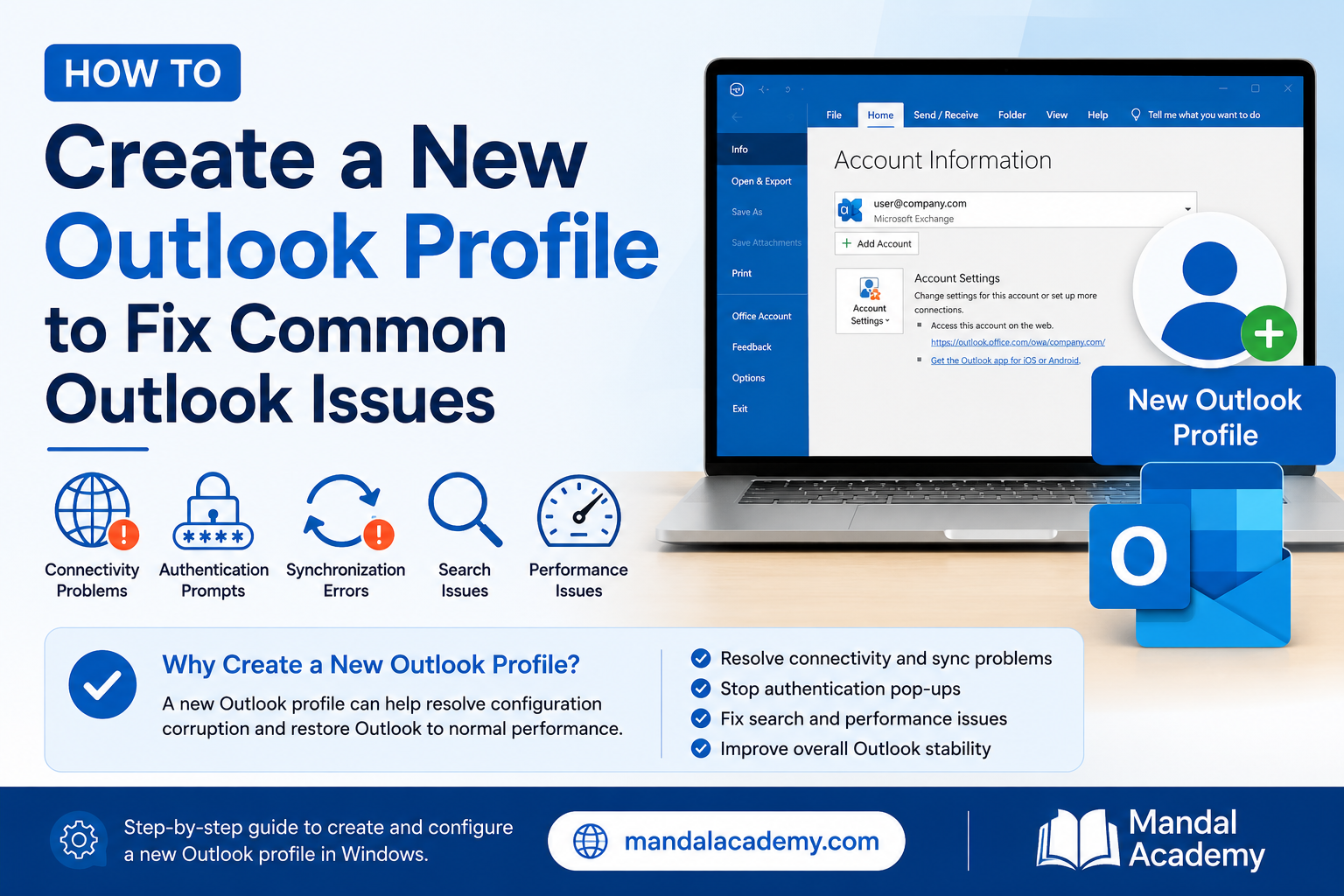
This article provides steps to create a new Outlook profile to resolve common Outlook issues such as connectivity problems, authentication prompts, synchronization errors, search issues, and Outlook performance issues.
Symptoms
Users may experience one or more of the following:
- Outlook is stuck on "Loading Profile".
- Outlook continuously prompts for credentials.
- Outlook displays "Disconnected" or "Trying to Connect".
- Emails are not synchronizing.
- Outlook search is not working correctly.
- Shared mailboxes are missing.
- Outlook crashes or becomes unresponsive.
Prerequisites
- User must know their Microsoft 365 email address.
- Outlook application must be closed before starting the procedure.
- Ensure internet connectivity is available.
Procedure
Step 1: Close Outlook
- Save any unsaved work.
- Close Microsoft Outlook completely.
Step 2: Open Mail Settings
- Open Control Panel.
- Change View By to Large Icons or Small Icons.
- Click Mail (Microsoft Outlook).
- Select Show Profiles.
Step 3: Create a New Profile
- Click Add.
- Enter a profile name (Example: Outlook_New).
- Click OK.
Step 4: Configure the Account
- Enter the user's email address.
- Click Connect.
- Complete the Microsoft 365 authentication process.
- Wait until account configuration is completed successfully.
- Click Finish.
Step 5: Set the New Profile as Default
- In the Mail window, select Always use this profile.
- Choose the newly created profile from the dropdown list.
- Click Apply.
- Click OK.
Step 6: Launch Outlook
- Open Microsoft Outlook.
- Allow Outlook to download mailbox data and synchronize folders.
- Verify that emails, calendars, and contacts are loading correctly.
Validation
Perform the following checks:
- Outlook opens successfully.
- User can send and receive emails.
- Mailbox folders are visible.
- Shared mailboxes are accessible.
- Outlook search functions correctly.
- No authentication prompts are displayed.
Troubleshooting
Issue: Account Setup Fails
- Verify internet connectivity.
- Confirm the email address is correct.
- Ensure the account is active in Microsoft 365.
Issue: Outlook Still Prompts for Credentials
- Remove saved credentials from Credential Manager.
- Restart Outlook and sign in again.
Issue: Shared Mailboxes Missing
- Verify Full Access permissions.
- Re-add the shared mailbox manually if required.
Issue: Search Not Working
- Allow Outlook indexing to complete.
- Rebuild the search index if necessary.
Impact
Creating a new Outlook profile does not delete mailbox data stored in Exchange Online. Outlook will automatically re-synchronize mailbox content after the profile is recreated.
References
Comments (0)
No comments yet. Be the first to leave one!