Introduction
Email is one of the most important communication tools in modern businesses. Microsoft Exchange Online is a cloud-based email and calendaring service that helps organizations manage email communication securely and efficiently without maintaining on-premises email servers.
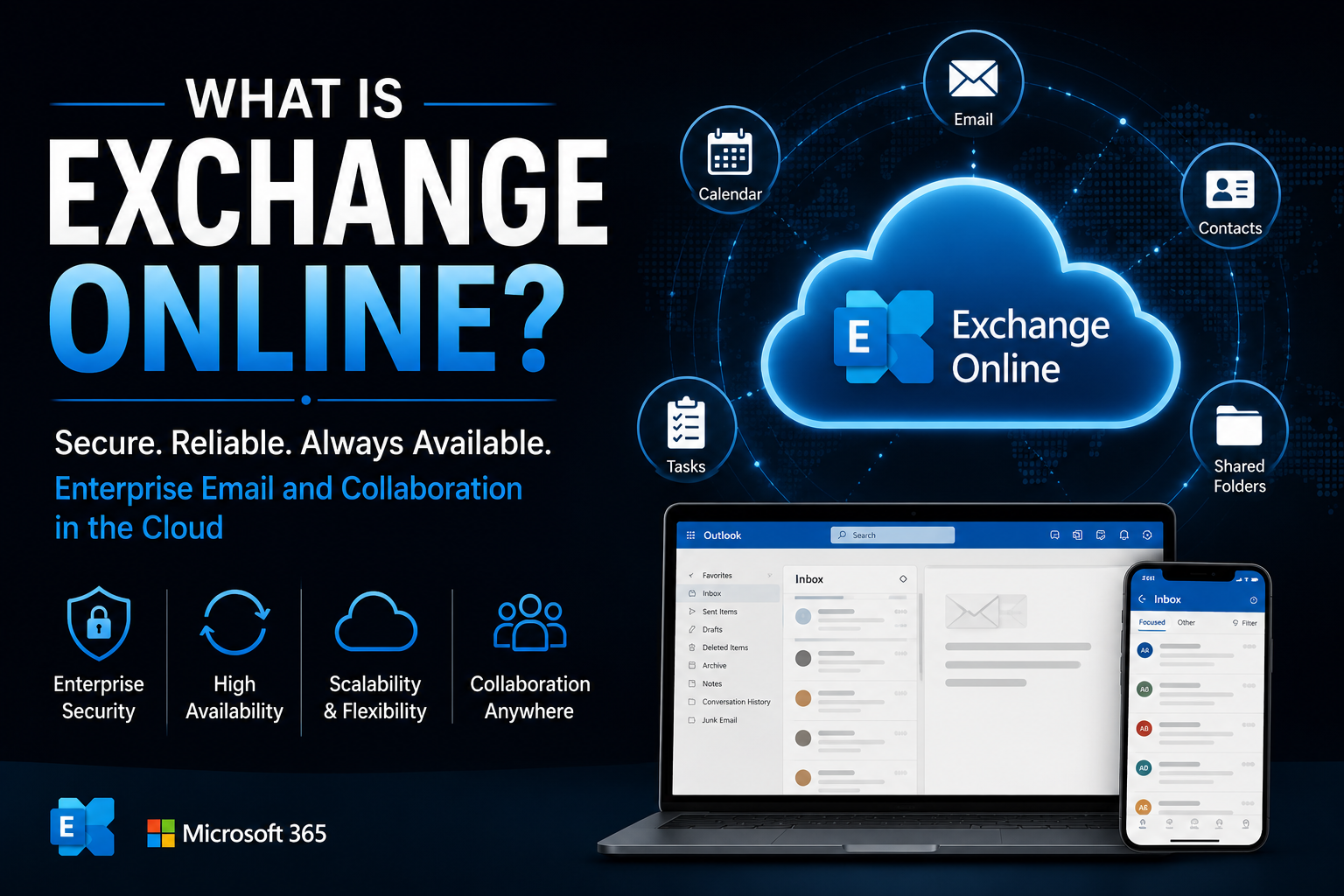
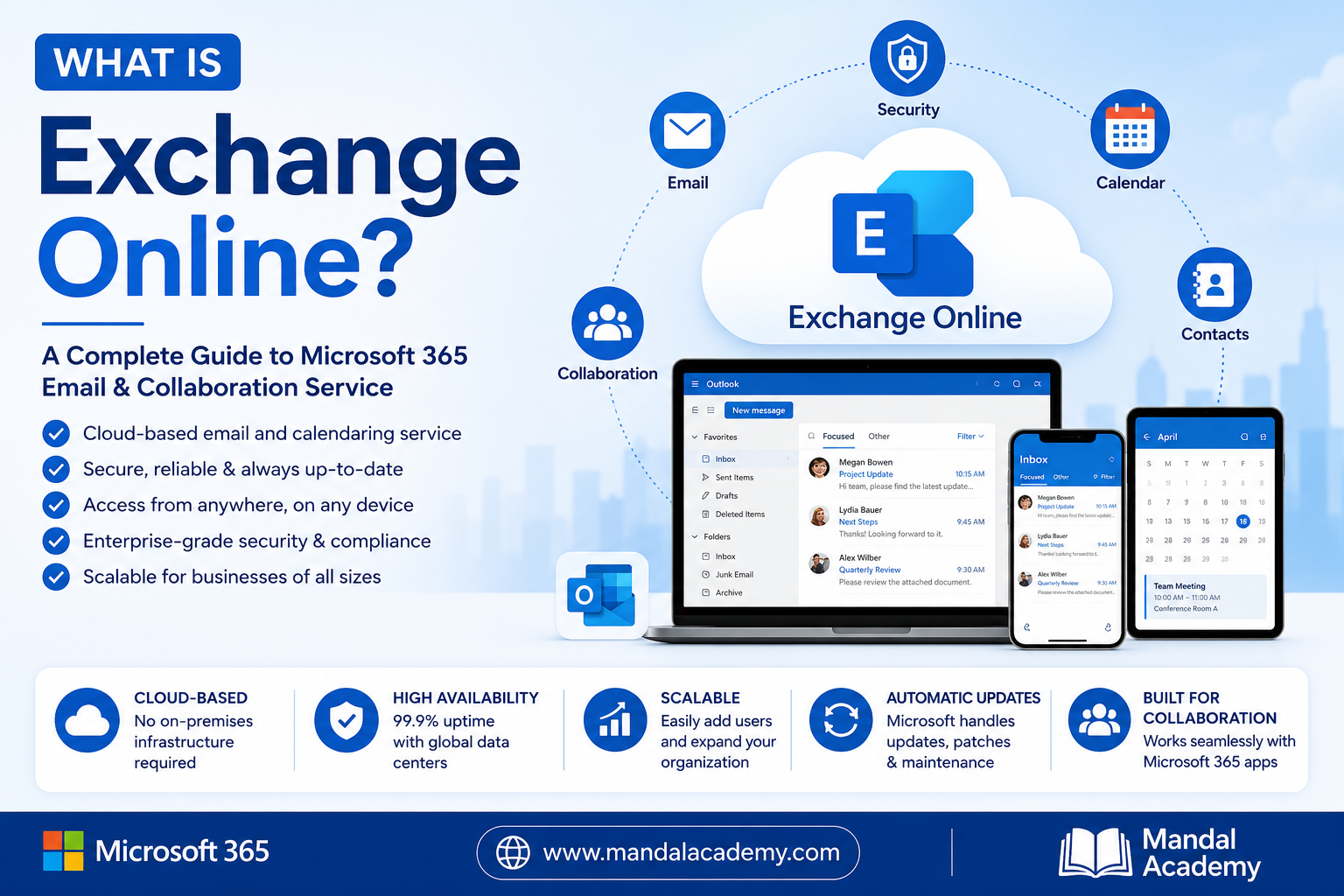
Exchange Online is part of Microsoft 365 and provides enterprise-grade email, calendars, contacts, tasks, and collaboration features that can be accessed from anywhere.
In this article, you will learn what Exchange Online is, its key features, benefits, and how it differs from traditional Exchange Server deployments.
What Is Exchange Online?
Exchange Online is Microsoft's cloud-hosted email service that delivers business-class email, calendar, contact, and task management capabilities.
Instead of hosting and managing an Exchange Server on-premises, organizations can use Exchange Online, where Microsoft manages the infrastructure, maintenance, updates, security, and availability.
Users can access their mailboxes through:
- Microsoft Outlook Desktop Application
- Outlook on the Web (OWA)
- Outlook Mobile App
- Microsoft Teams
- Third-party email clients (where supported)
Key Features of Exchange Online
1. Business Email Hosting
Exchange Online provides professional business email addresses such as:
Organizations can create and manage mailboxes without maintaining physical servers.
2. Large Mailbox Storage
Exchange Online offers generous mailbox storage depending on the Microsoft 365 license.
Benefits include:
- Large mailbox quotas
- Online archive mailboxes
- Automatic archiving
- Reduced storage management concerns
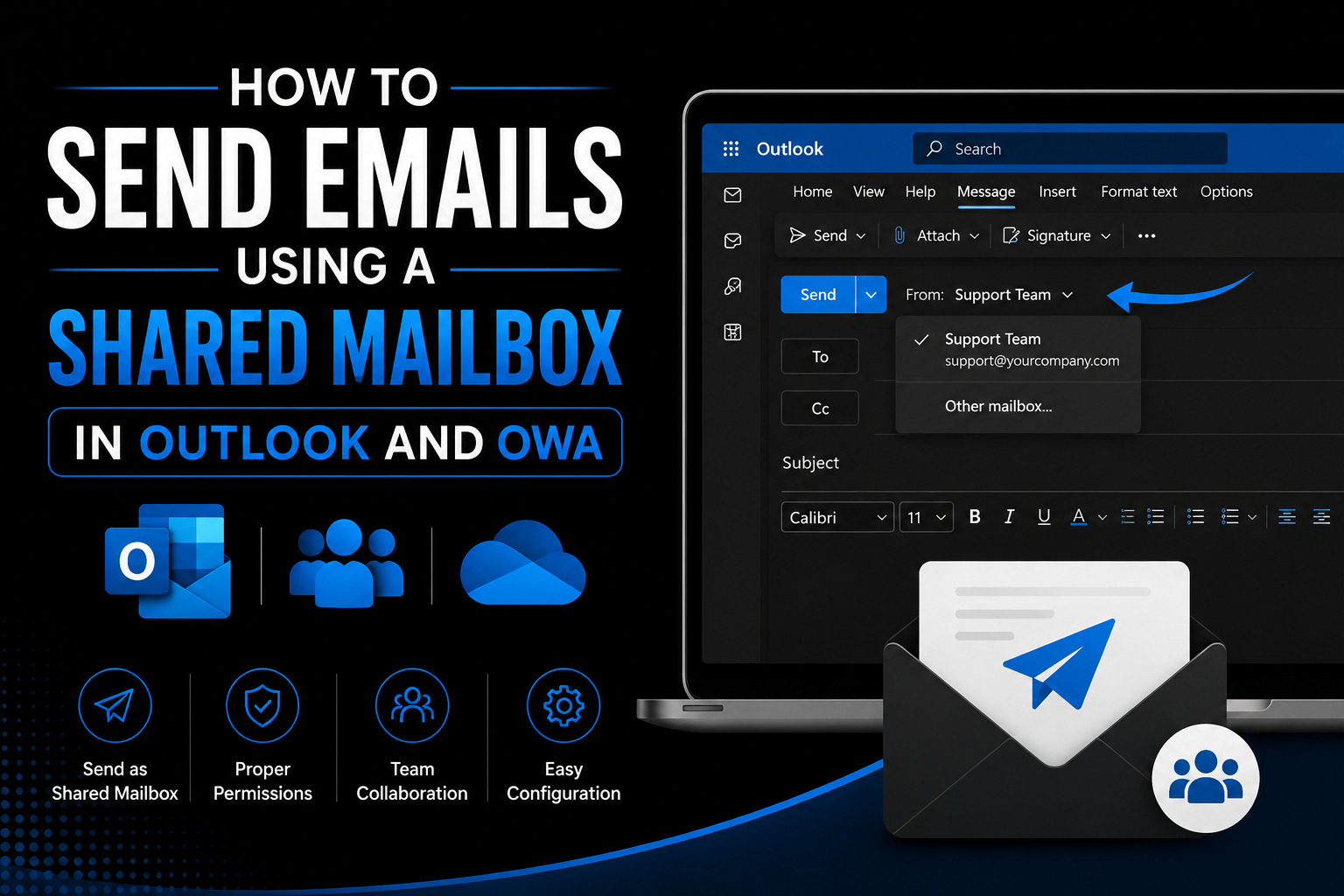
3. Shared Mailboxes
Shared mailboxes allow multiple users to access and manage a common mailbox.
Examples:
This helps teams collaborate efficiently.
4. Calendar Sharing
Users can:
- Share calendars
- View colleagues' availability
- Schedule meetings
- Book conference rooms
This improves productivity and collaboration.
5. Email Security and Protection
Exchange Online includes advanced security features such as:
- Anti-spam protection
- Anti-malware protection
- Email encryption
- Safe Links
- Safe Attachments
- Phishing protection
These features help protect organizations from cyber threats.
6. Anywhere Access
Users can securely access their emails from:
- Windows
- Mac
- Android
- iPhone
- Web browsers
This supports remote and hybrid work environments.
7. High Availability
Microsoft guarantees high service availability through globally distributed datacenters.
Benefits include:
- Automatic failover
- Redundant infrastructure
- Continuous service monitoring
- Disaster recovery capabilities
Exchange Online Components
Mailboxes
Store user emails, contacts, calendars, tasks, and notes.
Shared Mailboxes
Used by teams to manage common communications.
Distribution Lists (DLs)
Allow sending emails to multiple recipients using a single email address.
Microsoft 365 Groups
Provide shared collaboration spaces with:
- Shared mailbox
- Shared calendar
- SharePoint site
- Teams integration
Resource Mailboxes
Used for:
- Meeting rooms
- Conference rooms
- Equipment booking
Benefits of Exchange Online
Reduced Infrastructure Costs
Organizations no longer need to:
- Purchase Exchange servers
- Maintain hardware
- Manage backups
- Install updates manually
Automatic Updates
Microsoft automatically handles:
- Security patches
- Feature updates
- Service improvements
Enhanced Security
Built-in security tools help protect against:
- Spam
- Malware
- Phishing attacks
- Business email compromise
Scalability
Organizations can easily:
- Add new users
- Increase mailbox capacity
- Expand globally
without purchasing additional hardware.
Exchange Online vs Exchange Server
| Feature | Exchange Online | Exchange Server |
|---|---|---|
| Hosting | Cloud-based | On-premises |
| Maintenance | Managed by Microsoft | Managed by Organization |
| Hardware Required | No | Yes |
| Updates | Automatic | Manual |
| Accessibility | Anywhere | Depends on infrastructure |
| Scalability | Easy | Requires additional resources |
| Cost Model | Subscription | Infrastructure + Licensing |
Common Administrative Tasks in Exchange Online
Exchange administrators commonly perform:
- Mailbox creation and management
- Shared mailbox administration
- Distribution group management
- Mail flow troubleshooting
- Message tracing
- Email forwarding configuration
- Permission management
- Spam and phishing protection
- Retention policy management
- PowerShell administration
Who Uses Exchange Online?
Exchange Online is suitable for:
- Small businesses
- Medium-sized organizations
- Large enterprises
- Educational institutions
- Government organizations
Any organization that requires secure and reliable business email can benefit from Exchange Online.
Conclusion
Exchange Online is Microsoft's cloud-based email platform that provides secure, reliable, and scalable email services for businesses of all sizes. By eliminating the need to manage on-premises email servers, organizations can reduce costs, improve security, and provide users with seamless access to email, calendars, contacts, and collaboration tools from anywhere.
Whether you are an end user, IT administrator, or Microsoft 365 professional, understanding Exchange Online is essential for managing modern workplace communication effectively.
Comments (0)
No comments yet. Be the first to leave one!